

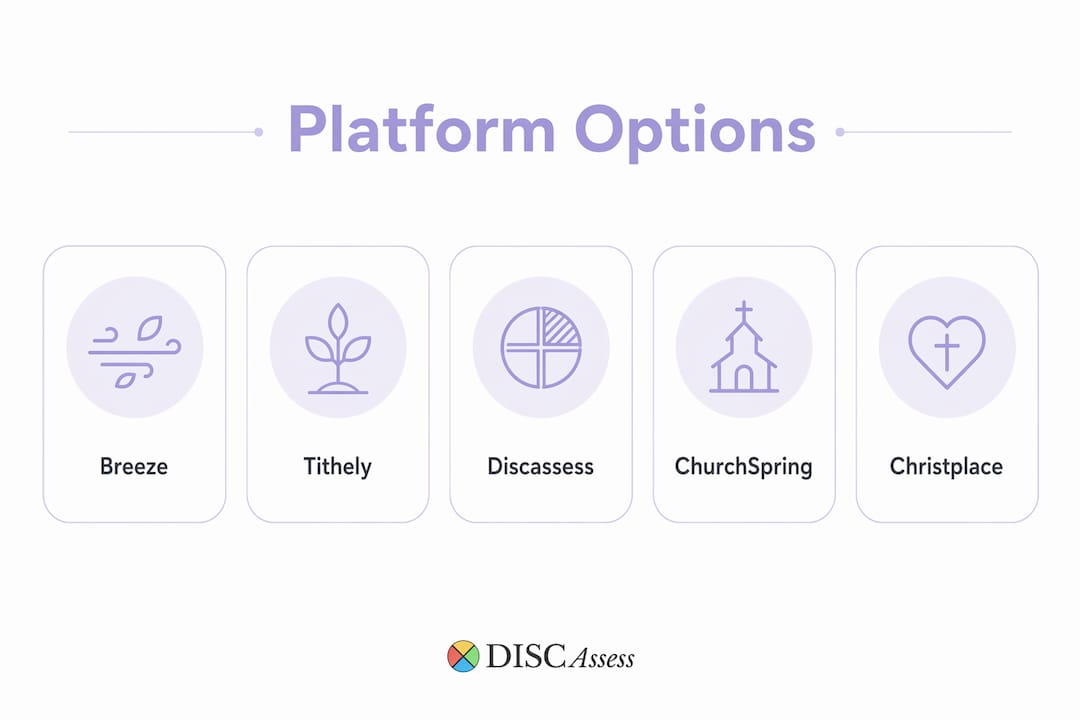
For small teams seeking personality assessment tools or a lighter church platform, the four best christplace.church alternatives are: the DISC Group Package, the White Label DISC System, the Individual Classic DISC Assessment, and Breeze (for teams that also need built-in messaging and giving). Each one prioritizes ease of setup, practical reporting, and low administrative overhead — the three things small teams consistently undervalue when shopping for software.
Quick shortlist:
- DISC Group Package — best for teams of 5–25 who want bulk assessment credits and a shared admin account
- White Label DISC System — best for coaches or ministry leaders who want branded reports without a certification requirement
- Individual Classic DISC Assessment — best for a single hire, a new staff member, or a one-time team audit
- Breeze — best when you also need email, texting, and giving in one place
| Option | Best at for small teams |
|---|---|
| DISC Group Package | Bulk credits + group management |
| White Label DISC System | Branded, customizable reports |
| Individual Classic DISC | Single-user, fast turnaround |
| Breeze | Messaging + giving + people data |
Table of Contents
- What are the best christplace.church alternatives for small teams?
- Short profiles: what does each option actually give your team?
- How do you choose the right assessment or platform for your small team?
- Migration and data portability checklist
- What does onboarding actually cost and how long does it take?
- What is the recommended pick for a small team?
- Key Takeaways
- What small teams get wrong about assessment tools
- Discassess is built for exactly this kind of team
- Useful sources and further reading
What are the best christplace.church alternatives for small teams?
| Dimension | DISC Group Package | White Label DISC | Individual DISC | Breeze |
|---|---|---|---|---|
| Best for (team size) | 5–25 | Coaches / ministries | 1–5 | 10–25 |
| Pricing model | Bulk credits + admin account | System license | Per-assessment | Monthly subscription |
| Ease of use | Low admin burden | Moderate setup | Minimal | Low-to-moderate |
| Group management | Admin account, team reports | Admin portal | None | People database |
| Report depth | Full DISC + coaching tips | Branded full report | Full DISC report | N/A (ChMS focus) |
| Data export | CSV/Excel | CSV/Excel | PDF/CSV | CSV export |
| White-label option | No | Yes | No | No |
| Faith-specific version | Yes | Yes | Yes | No |
Industry guidance consistently shows that many ministries pay for features they rarely use. Defining your top three non-negotiables before purchasing prevents that trap. For most small teams, those three are: exportable reports, group management, and transparent per-credit pricing.
Short profiles: what does each option actually give your team?
DISC Group Package
What you get: An admin account paired with a block of assessment credits, so one person manages the whole cohort. Reports include full DISC profiles, behavioral tendency breakdowns, and coaching tips written for non-HR readers.
- Pros: Group dashboard, bulk credit pricing, faith and non-faith versions available, CSV/Excel export
- Cons: Requires one designated admin; not ideal for a single-person team
- Data export: CSV and Excel; cohort IDs preserved
- Support: Backed by Prism Counseling & Coaching, over a decade of practice
- Best for: A church leadership team or small nonprofit staff of 5–25 running their first group assessment
White Label DISC System
What you get: A licensed system that lets you brand reports with your own logo and ministry name. Coaches and ministry leaders use this when they want to deliver assessments without pointing participants to a third-party site.
- Pros: Full branding control, faith-aligned report language, admin portal access
- Cons: Higher upfront cost than a single-use purchase; requires a brief setup step
- Data export: CSV/Excel
- Support: Prism Counseling & Coaching onboarding guidance included
- Best for: A pastor, coach, or HR lead who delivers DISC to multiple groups over time
Individual Classic DISC Assessment
The simplest entry point. One person takes the online assessment and receives a full report immediately. No admin account needed, no group setup.
- Pros: Fast (under 15 minutes to complete), immediate PDF/CSV report, faith or non-faith version
- Cons: No group management; not cost-effective for teams larger than four
- Best for: A new hire, a solo leader, or a team that wants to pilot before buying a group package
Breeze (integrated church platform)
Breeze is a church management system, not a DISC tool. It earns a spot here because small teams often need both assessment capability and a people-management layer. Breeze includes unlimited email sends at no extra cost and 250 free text messages per month; additional texts cost $0.019 each. It also offers free people-data import with a dedicated import team, which matters when you are migrating from another system.
- Pros: People database, email/texting, giving, free migration support
- Cons: No personality assessment built in; you would pair it with a DISC tool separately
- Best for: A team that needs communication infrastructure alongside (not instead of) assessments
ChurchSpring is worth noting for teams that want a no-code church website with free migration and a mobile app. It does not include assessment tools, but its low technical barrier makes it a practical site-building layer for ministries that already have their DISC workflow sorted.
Pro Tip: If your team is under 10 people and you have never run a DISC assessment before, start with two or three Individual Classic assessments before committing to a group package. The pilot reveals whether your team will actually use the reports.

How do you choose the right assessment or platform for your small team?
Start with admin capacity, not feature lists. A tool your team will not maintain is worse than no tool at all. Industry experts note that teams routinely buy suites and use under 20% of features.
Five non-negotiables for small teams:
- Exportable CSV/Excel reports — you must own your data if you ever switch tools
- Group or admin account features — managing 10 individual logins manually is unsustainable
- Sample report available before purchase — never buy a report format you have not read
- Transparent bulk-credit pricing — hidden per-seat fees compound fast
- Support and training options — live guidance matters when you are rolling out to staff for the first time
Vendor questions to ask before you buy:
- What file formats does your data export support, and do cohort/group IDs survive the export?
- Can I see a sample report before purchasing?
- How does bulk credit purchasing work — do credits expire?
- What migration help is included if I move from another system?
- How are assessment responses stored, and who has access?
- Does your platform support SSO or role-based admin access?
Pro Tip: Run a one-week pilot with a single team of three to five people before a full rollout. Use the team dynamics workflow to turn those first reports into a structured debrief — that single session usually determines whether the tool gets adopted or forgotten.
Migration and data portability checklist
Verify your export formats and test a complete import before canceling your existing system. That single step prevents the most common migration failure: discovering your new platform cannot read your old data.
- Audit all data fields — list every field your team actively uses (member records, giving history, assessment results, group IDs)
- Export a test CSV from your current system and open it in Excel to confirm field names and encoding
- Map fields to the destination system — confirm column headers match before a full import
- Verify giving and donation linkage — check that exported donor data matches the format your accounting system accepts
- Preserve sermon and media files separately — free migration promises typically cover basic people data and page structure; sermon archives and legacy media commonly require manual work
- Test reports end-to-end — run one full report cycle in the new system before decommissioning the old one
- Confirm assessment result export — verify that DISC cohort IDs and individual scores export cleanly in CSV or Excel
Pro Tip: Budget an extra one to two weeks for media and calendar migration. "Free migration" from most vendors covers people data only. Sermon archives, event histories, and complex calendar exports almost always require manual effort that adds time and sometimes cost.
Data portability experts consistently advise verifying CSV/Excel exports and testing field mapping before signing any long-term contract.
What does onboarding actually cost and how long does it take?
Small-team DISC-only rollouts typically run 1–7 days from purchase to first reports. Platform migrations with sermon archives and media libraries can stretch 2–8 weeks.
| Rollout type | Typical timeline | Approximate cost range |
|---|---|---|
| Individual DISC assessment | Same day | Low single-assessment price |
| DISC Group Package (5–25 people) | 1–3 days | Group package pricing |
| White Label DISC setup | 3–7 days | System license fee |
| Church platform + site migration | 2–8 weeks | Monthly subscription + setup |
Recurring costs to budget for:
- Per-assessment credits (consumed each time a new person takes the assessment)
- Admin account fees (annual or monthly, depending on the provider)
- Platform messaging add-ons (Breeze: 250 free texts/month; $0.019 per additional text)
- WordPress customization and maintenance if you choose a self-hosted site
Total cost of ownership extends well beyond the sticker price. Training time, manual data reconciliation after a migration, and developer fees for custom layouts on AI-built sites are the costs teams most often miss. Squarespace and Wix offer fast visual setup, but deeper integrations often require paid plugins or developer help. Subsplash suits larger ministries prioritizing mobile app and media distribution; its custom pricing model reflects that scale focus.
What is the recommended pick for a small team?
For a small team that wants fast setup, group management, and exportable reports, the DISC Group Package from Discassess is the practical starting point. It covers the three non-negotiables (group admin, CSV export, coaching-ready reports) without requiring HR expertise or a certification.
Action steps to get started:
- Purchase a small-group package sized to your team (5–10 credits for a first pilot)
- Run a one-week pilot: have each person complete the assessment, then hold a 60-minute debrief
- Export results to CSV and review behavioral patterns as a group
- Integrate one or two findings into your weekly staff meeting rhythm using the staff communication strategies framework
If your team also needs built-in giving, texting, and heavy media integration, Breeze or Tithely All Access ($119/month) are the stronger all-in-one routes. For DISC alone, Discassess keeps the process simple and the cost proportionate to a small team's actual needs. Nonprofits and church teams can also explore scheduling and time-tracking tools to complement their assessment workflows.
Key Takeaways
For small teams, the right christplace.church alternative is the one that matches your administrative capacity, exports your data cleanly, and gets used consistently after the first week.
| Point | Details |
|---|---|
| Start with your non-negotiables | Identify three core needs (export, group management, pricing) before evaluating any tool. |
| DISC Group Package fits most small teams | Bulk credits plus an admin account cover teams of 5–25 without heavy setup. |
| Data portability is non-negotiable | Always verify CSV/Excel export and test a full import before canceling your current system. |
| Free migration has limits | Vendor migration offers typically cover people data only; plan extra time for media and calendars. |
| Discassess for DISC-first teams | The DISC Group Package, White Label system, and Individual Classic assessment are purpose-built for small teams seeking affordable, practical results. |
What small teams get wrong about assessment tools
Most teams shop for the most feature-rich platform they can afford, then wonder why adoption stalls after the first month. The real problem is almost never the tool. It is the absence of a defined process for what happens after the reports land in everyone's inbox.
A DISC assessment tells you how someone prefers to communicate, process conflict, and respond under pressure. That insight only becomes useful when your team has a standing rhythm for applying it — a weekly check-in, a conflict-resolution protocol, a hiring debrief. Without that structure, even the best report becomes a PDF that lives in a downloads folder.
The teams that get the most from DISC are not the ones with the most sophisticated platform. They are the ones that treat the assessment as the beginning of a conversation, not the end of a project. Faith communities have a particular advantage here: the language of growth, discipleship, and becoming more Christlike maps naturally onto the behavioral development that DISC describes. That alignment makes the tool feel less like a corporate exercise and more like a genuine investment in the people you serve alongside.
Choose the tool that fits your team's capacity today. You can always scale up.
Discassess is built for exactly this kind of team
If you have read this far, you are probably a small-team leader who wants practical results without a six-month implementation project. Discassess, backed by Prism Counseling & Coaching with over a decade of experience, was built for that exact situation.
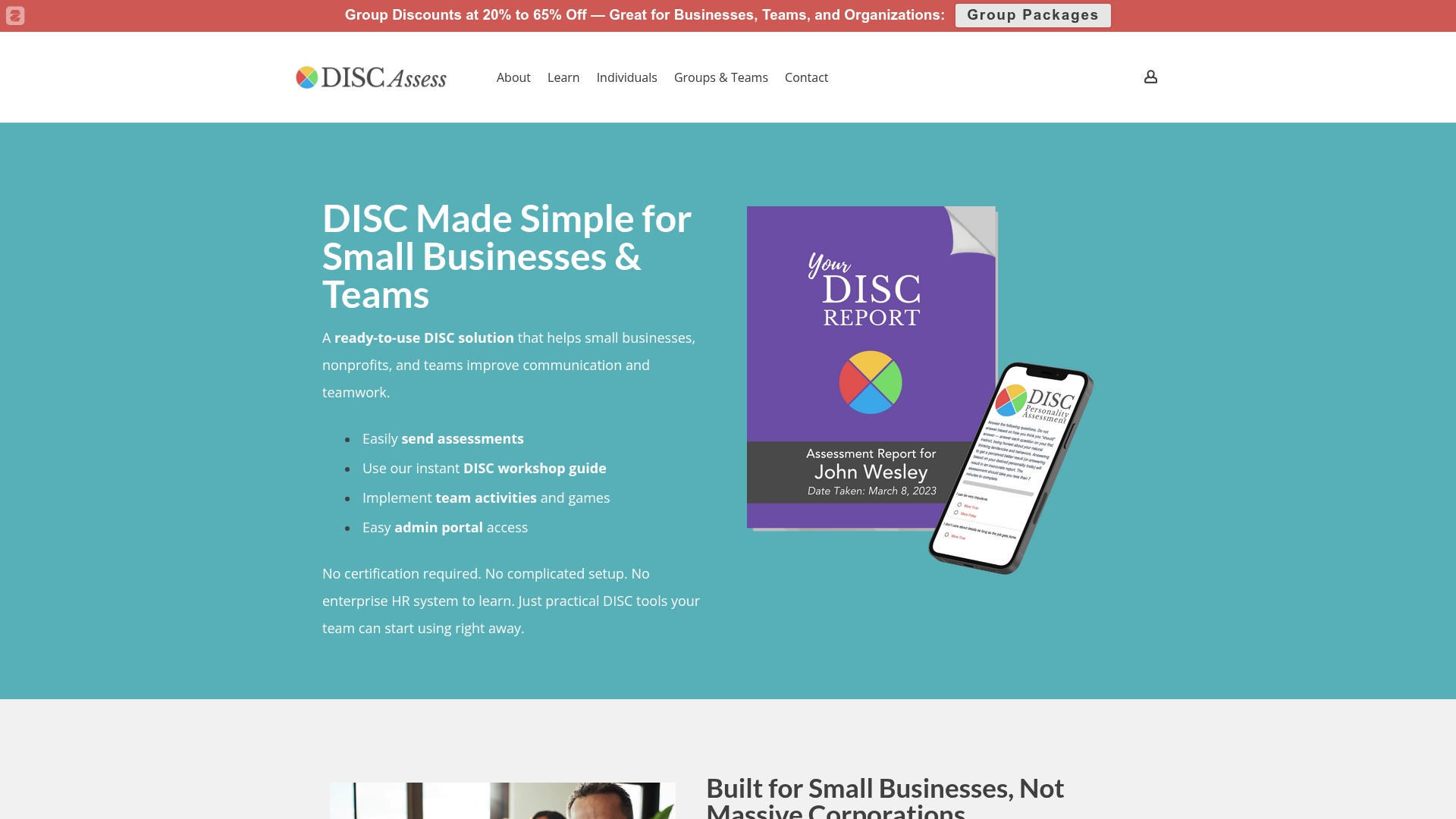
Here is what you get with Discassess that the generic platforms do not offer:
- Group credits with an admin account — manage your whole team from one dashboard, no IT support needed
- Faith and non-faith report versions — choose the language that fits your community
- Exportable CSV/Excel reports — your data stays yours, always
- White-label option — deliver branded assessments under your own ministry or coaching identity
- Live group training available — guided implementation for teams that want a facilitator
Pro Tip: Teams under 25 people: start with the DISC Group Package. Teams of 25–100, or coaches serving multiple groups: the White Label DISC System gives you the flexibility to scale without repurchasing.
Ready to see the admin portal before you buy? Explore the demo and run a test report in minutes.
Useful sources and further reading
These are the vendor pages and reference sources used to build this shortlist. Use them during your own vendor conversations to verify current pricing, export policies, and migration support.
- Breeze Church Management — confirms unlimited email sends at no extra cost, 250 free texts/month, $0.019 per additional text, and free people-data import service
- ChurchSpring — no-code platform with free migration and integrated mobile app; good for low-technical-expertise teams
- Tithe.ly pricing — All Access at $119/month; guidance on avoiding feature bloat
- The Lead Pastor church website builder roundup — trade-off comparisons for Wix, Squarespace, and WordPress; migration complexity notes
- Truepath church website builder — WordPress-powered, sermon manager, free migration help; good for budget-conscious ministries
- Subsplash — mobile app and media distribution focus; custom pricing for larger ministries
- WordPress — highest customization ceiling; requires technical capacity for maintenance
- Squarespace — fast visual design; limited deep integrations without paid add-ons
- ChurchSpring About page — data portability guidance; CSV/Excel export verification advice